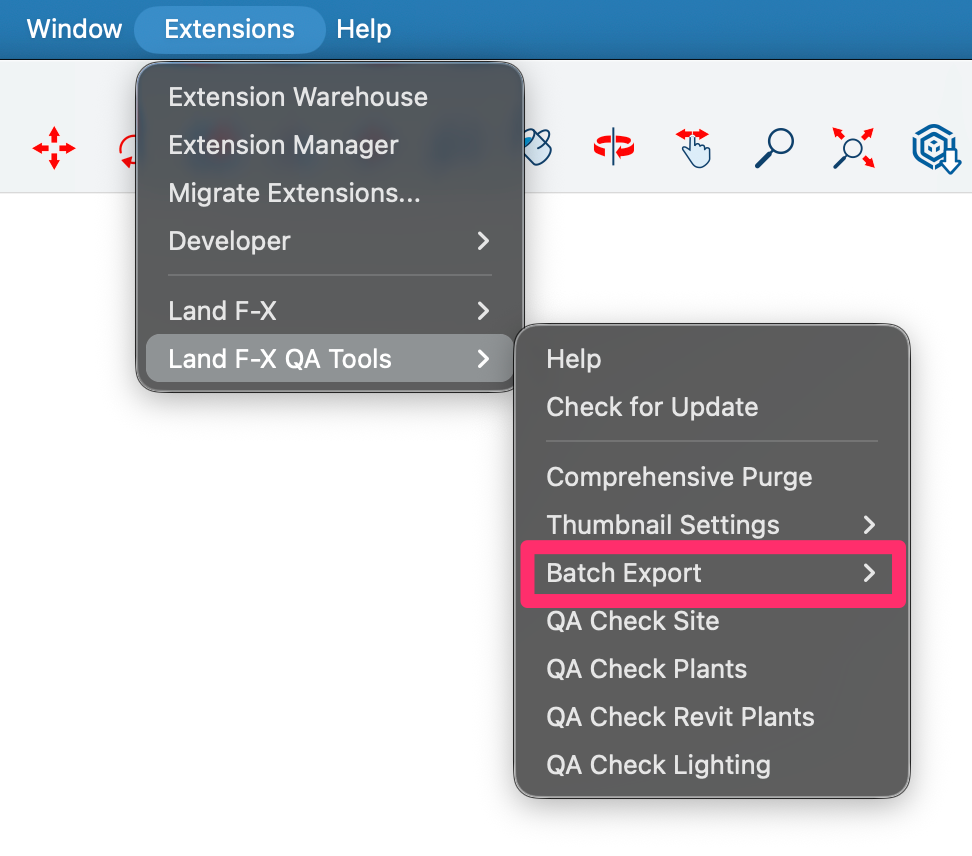

SketchUp QA Tools: Batch Export
Updated on: March 05, 2026
Included in the SketchUp QA Tools are some batch export commands. These can be used to export a batch of individual SKP models in a particular file format. Use a batch export command in an empty model, and it will prompt you to select a folder. All SKP models in the selected folder (including subfolders) are processed in the batch export. Exported files are saved to the same directory as their parent SKP model file.
Batch Export Commands Overview
The batch export commands are as follows:
• LFX Batch Export Thumbnail, GLB
This command batch exports -SKP PNG thumbnail images, -3DM PNG thumbnail images, and GLB models.
• LFX Batch Export DWG
This command batch exports DWG files (CAD blocks) of the isometric "parallel projection" top view of the model.