

Reference Manager (AdRefMan) is Missing from F/X CAD
Issue
The Reference Manager (pictured below) is missing from F/X CAD.
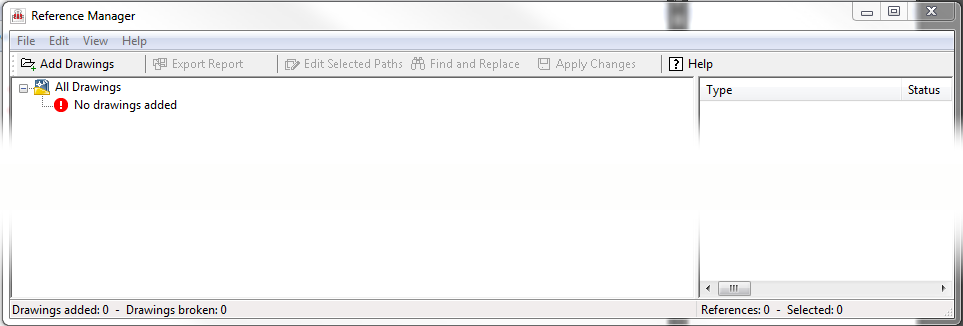
The Reference Manager allows you to view and edit the paths to DWF, DWFx, PDF, and DGN files attached to your drawing. Note that the Reference Manager is not the same as the Xref Manager.
Cause
We've removed the shortcut to the Reference Manager from F/X CAD in the name of system performance, but the program is still there. You just need to locate it and create your own shortcut.
Solution
Navigate to the folder C:/Program Files/Autodesk/AutoCAD 20XX on your computer (where 20XX is your year version of F/X CAD). Scroll down and locate a file named AdRefMan.exe or AdRefMan in that location.
You can run this file to open the Reference Manager.
Better yet, you can create a shortcut for this file by right-clicking it and selecting Create shortcut from the menu that opens.
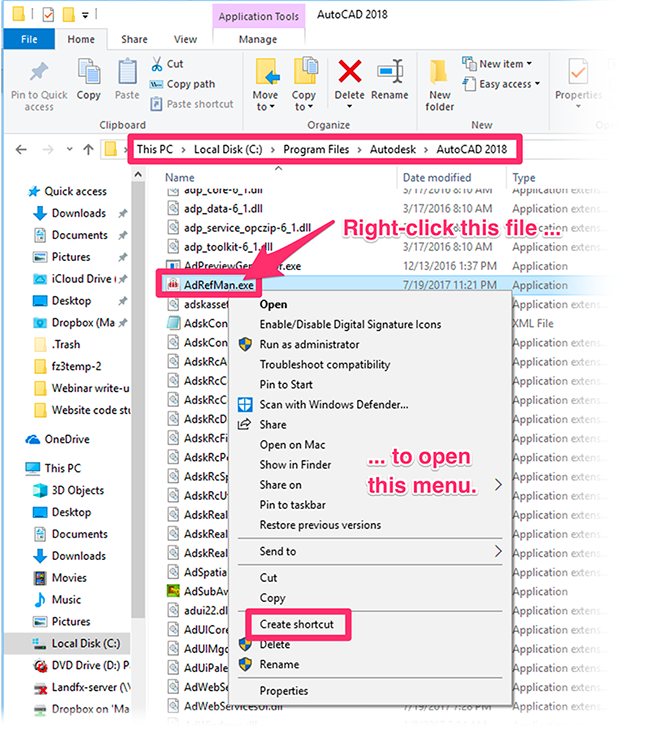
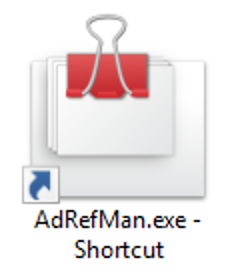
Save the shortcut to a location where you can access it easily. Then run the shortcut each time you want to open the Reference Manager.
Contact
- Land F/X



Our software tailors AutoCAD®, Revit®, SketchUp®, and Rhino® to the needs of landscape architects, irrigation designers, and other professionals. We automate your most tedious tasks and ensure accuracy, giving you more time to design.